
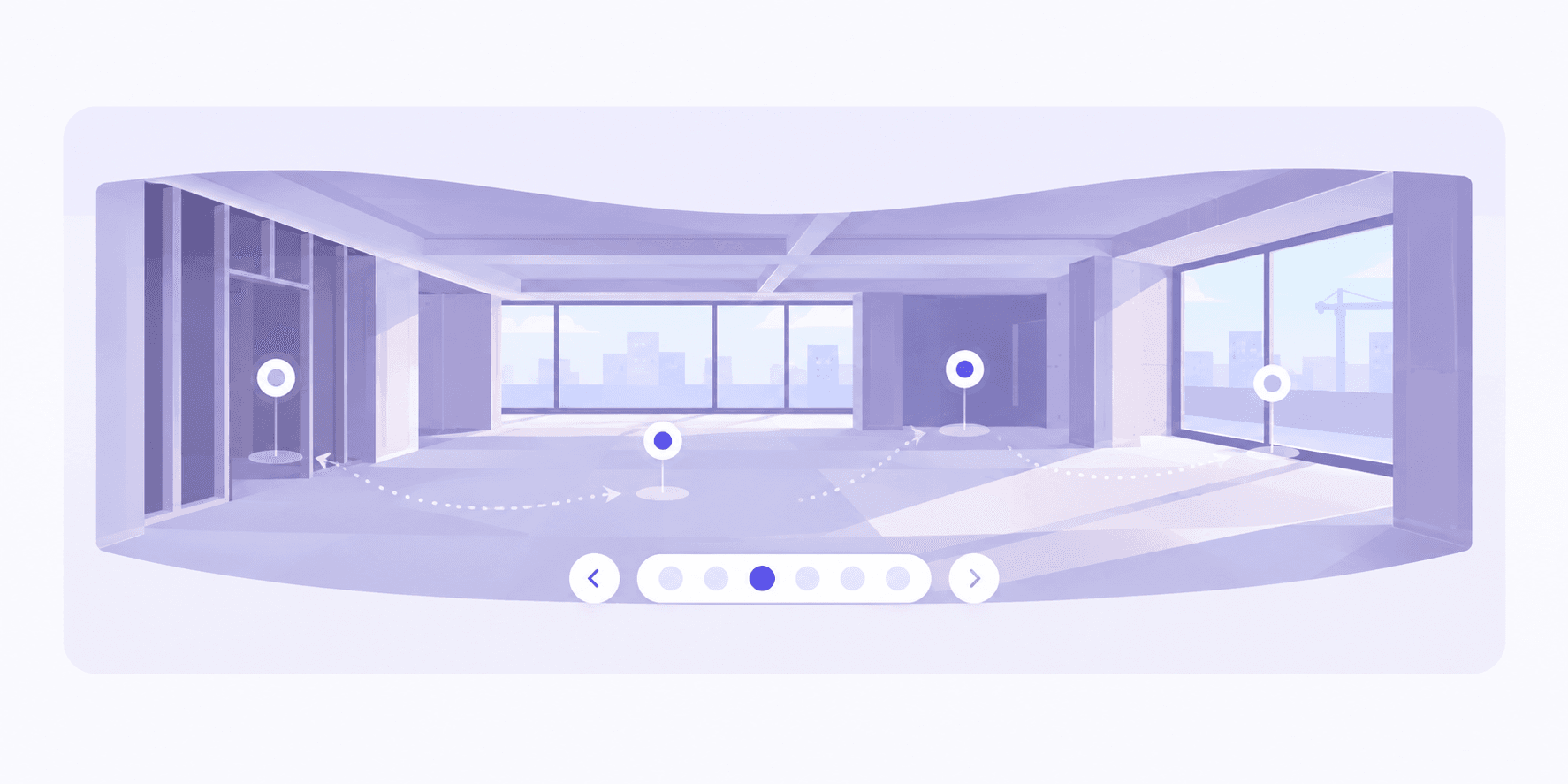
Tours a buyer actually walks
Upload equirectangular photos and each becomes a viewpoint. Visitors tap between them — no plugin, no account.
One walk of the site with a 360° camera. Your buyer gets a tour they steer from the master plan down to a single flat; your site team gets a dated record of the week it was shot. Same photographs, both jobs.
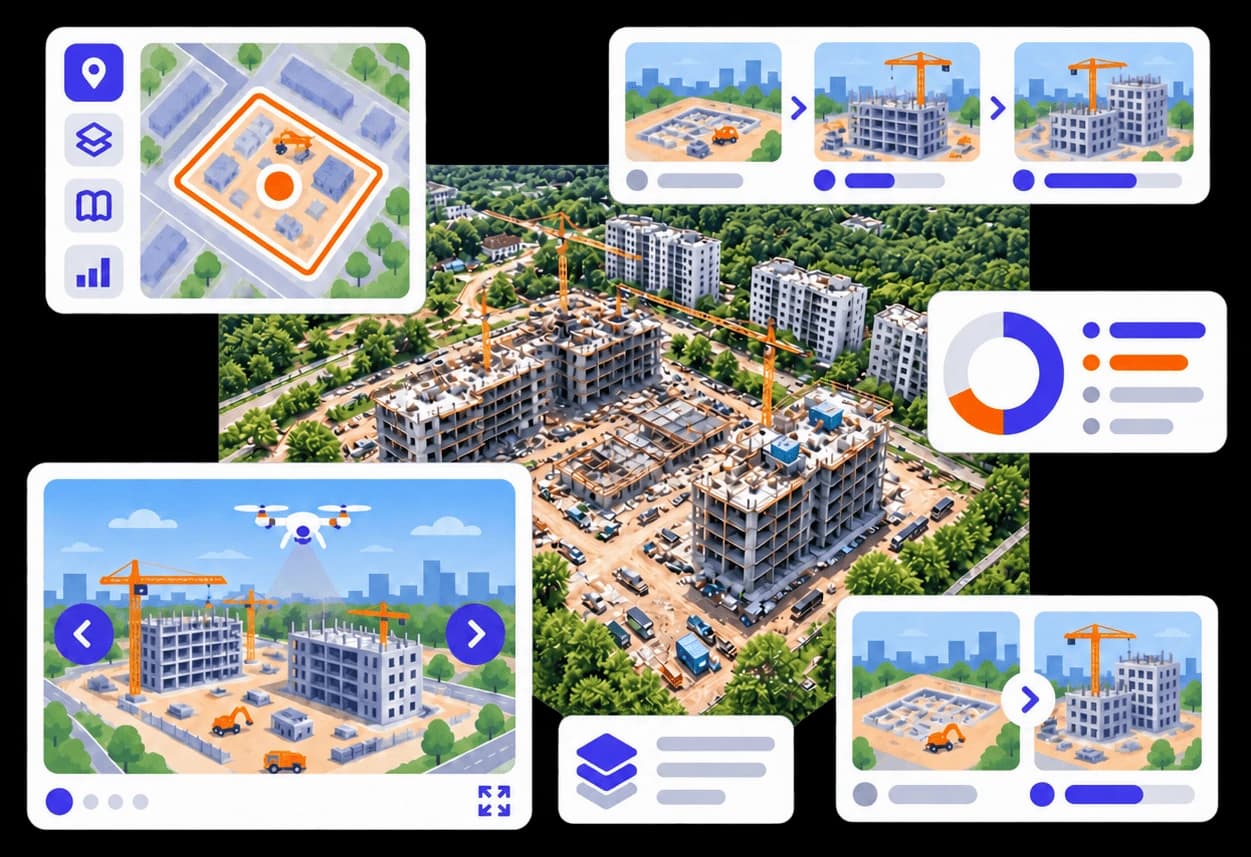
The walk-through
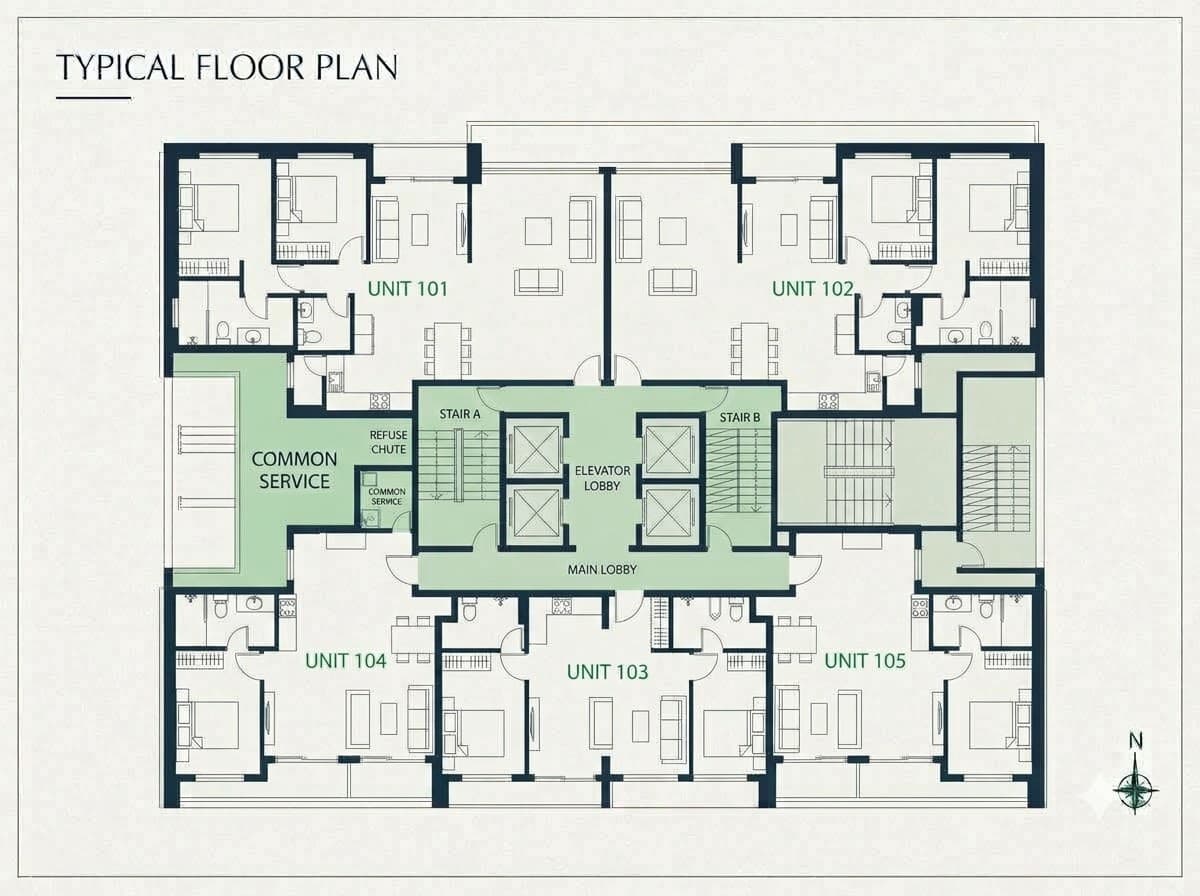
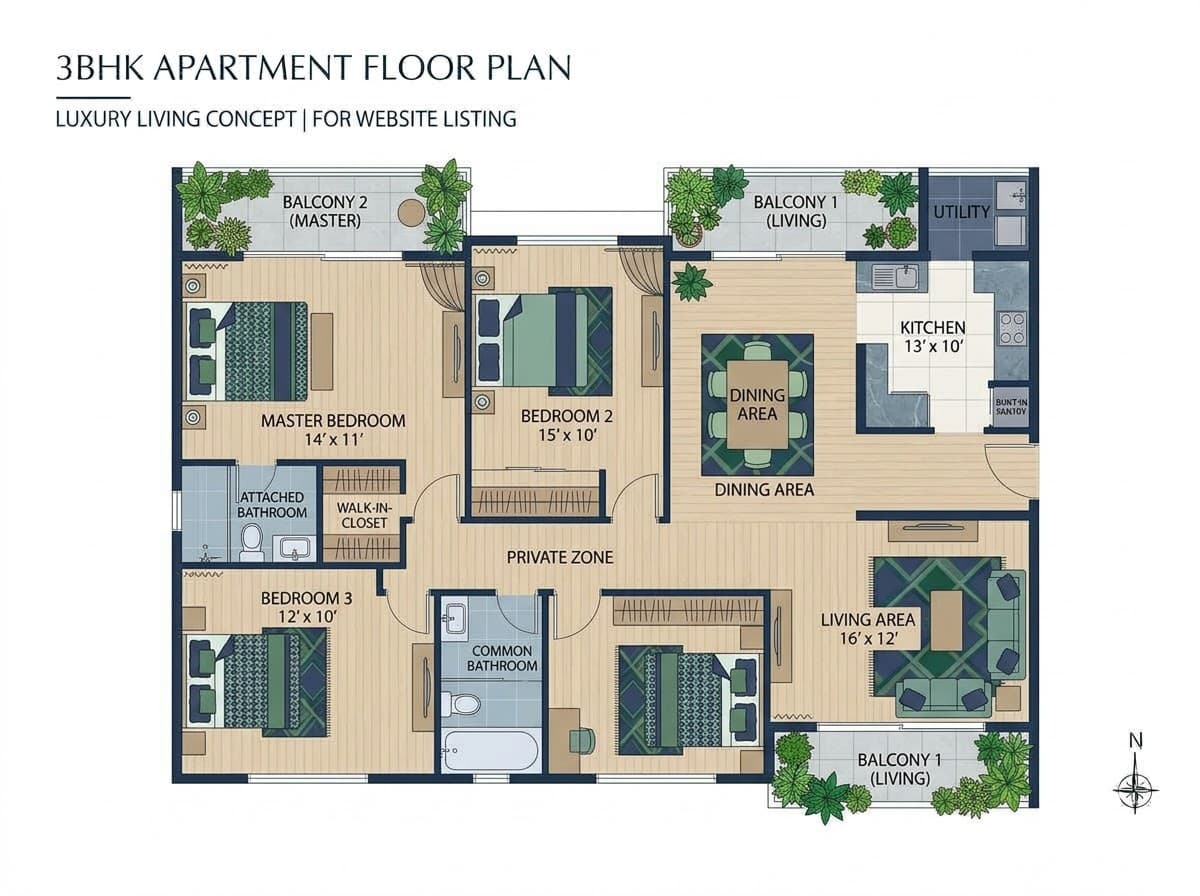
A buyer doesn’t want a gallery. They want to know what their flat looks out on. Trace the drawings once and the whole project becomes navigable.
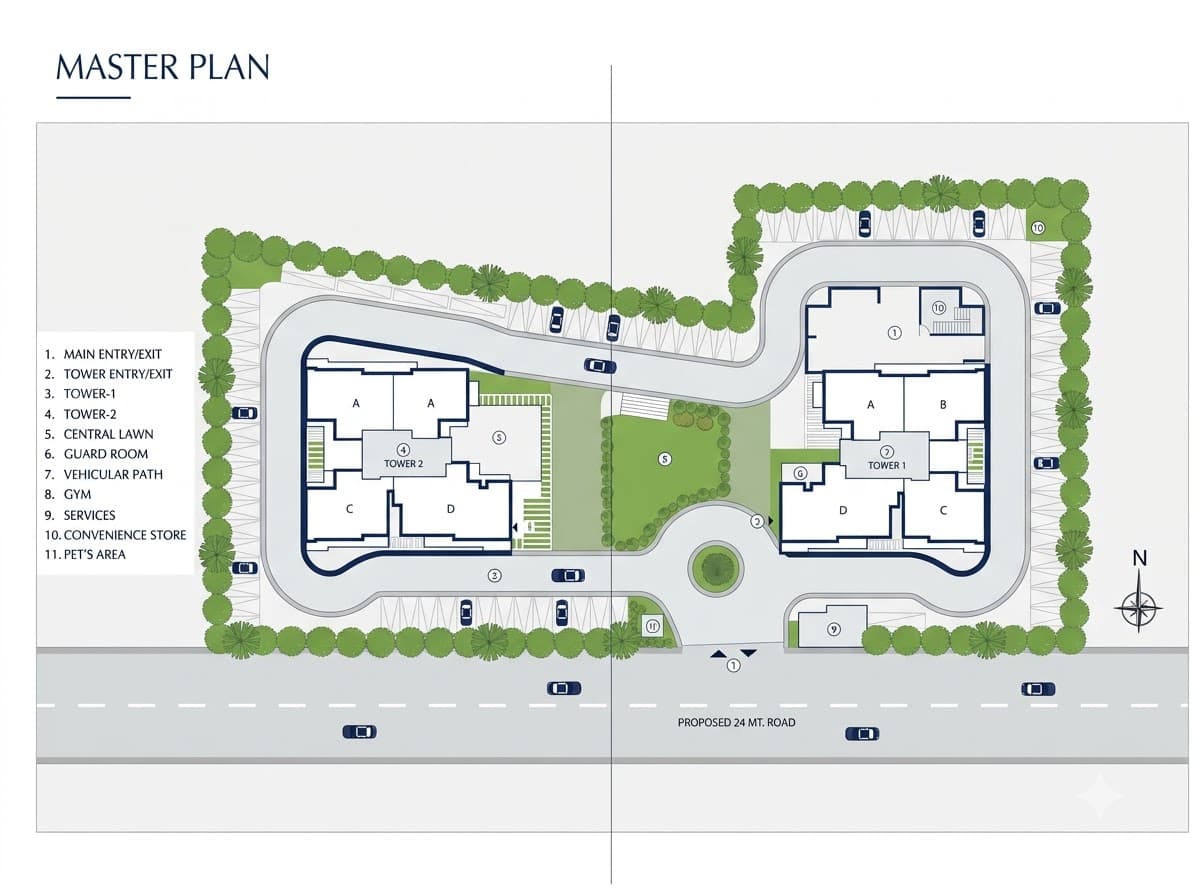
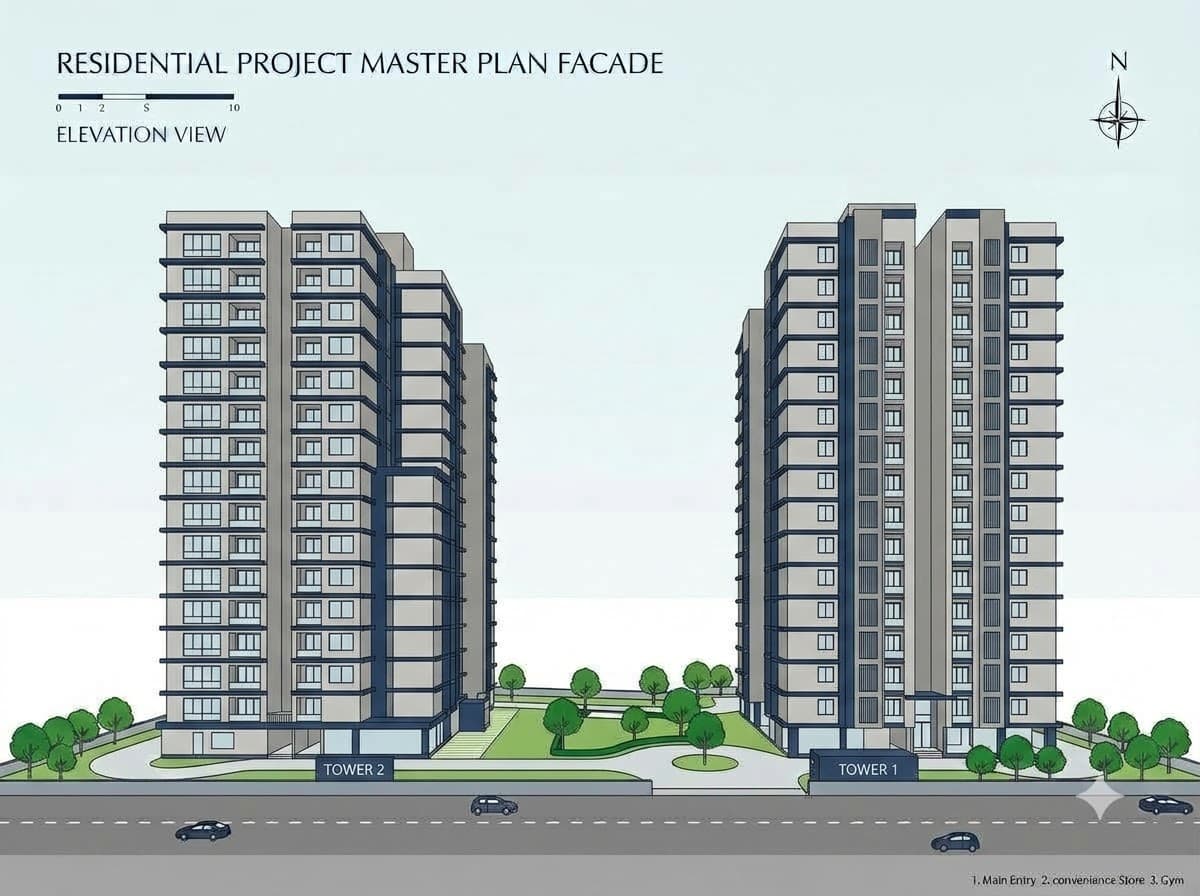
Step 1 of 5
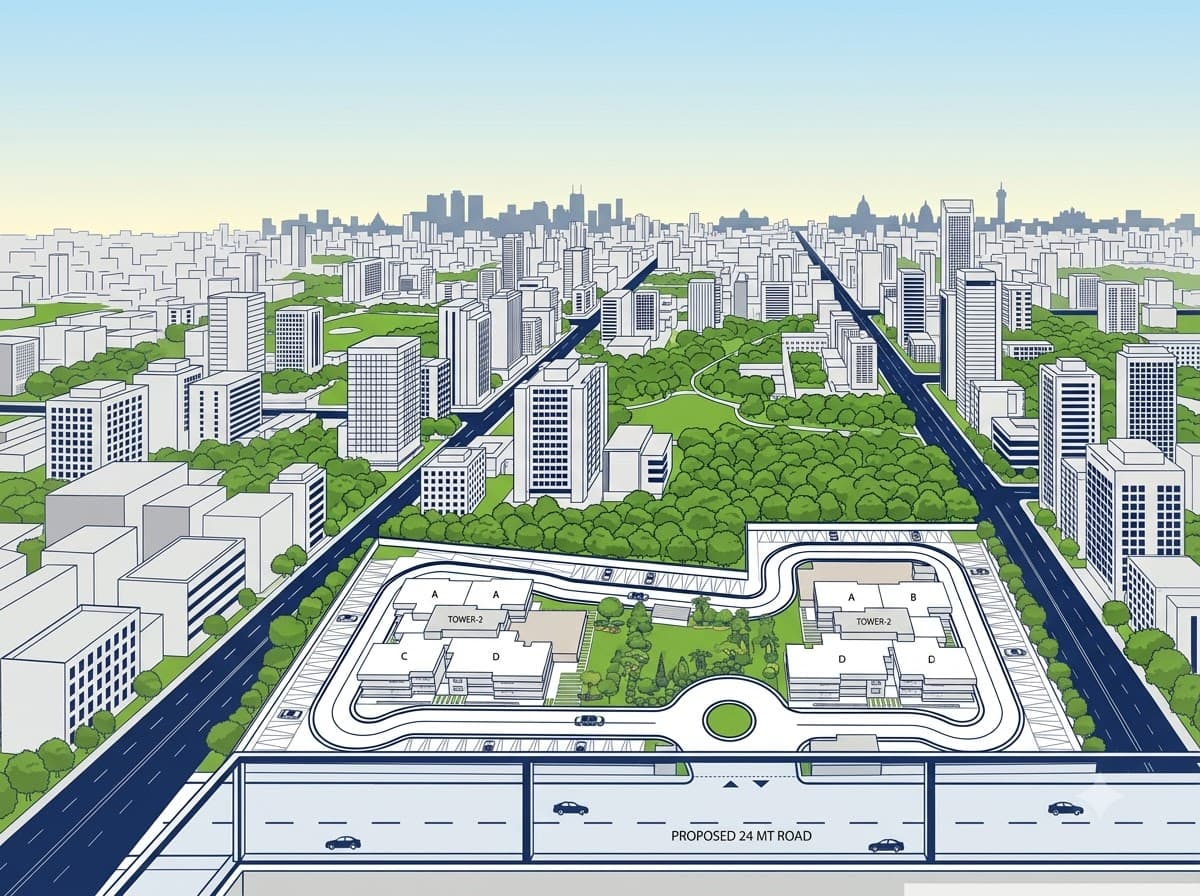
Site plan
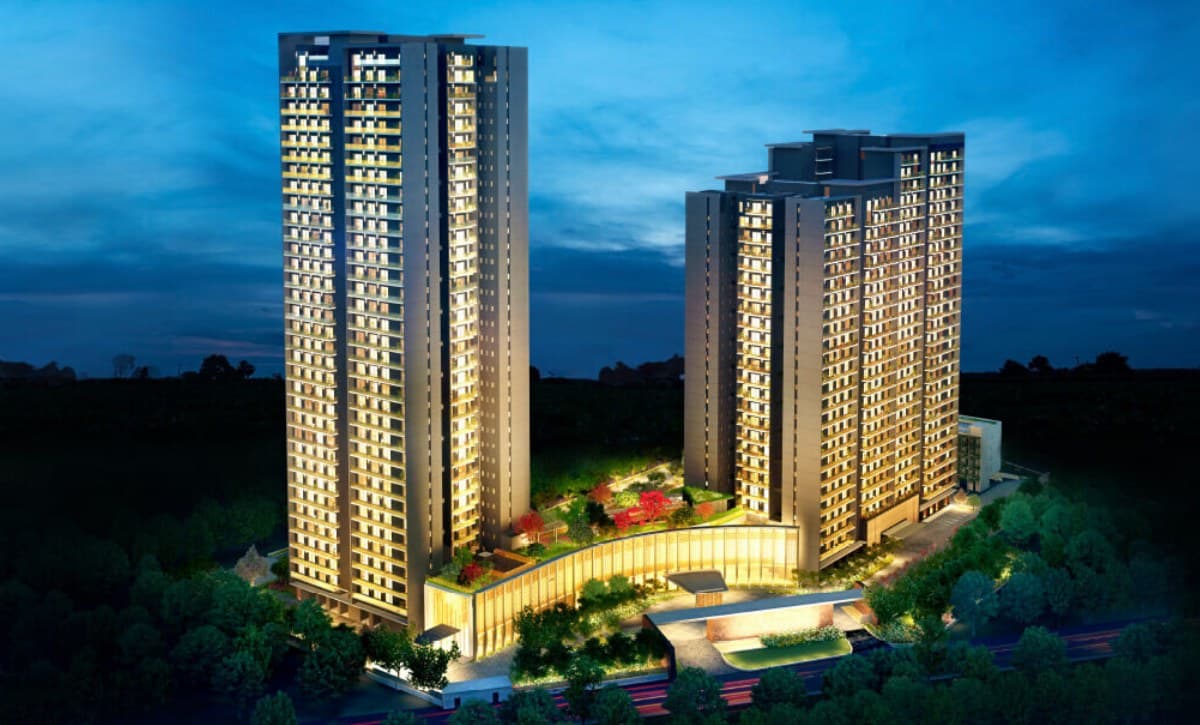
Master plan · two towers
What you get
The photos marketing shows a buyer are the same photos the site team dates and files. Two teams, one folder — and no argument about which set is current.
Upload equirectangular photos and each becomes a viewpoint. Visitors tap between them — no plugin, no account.
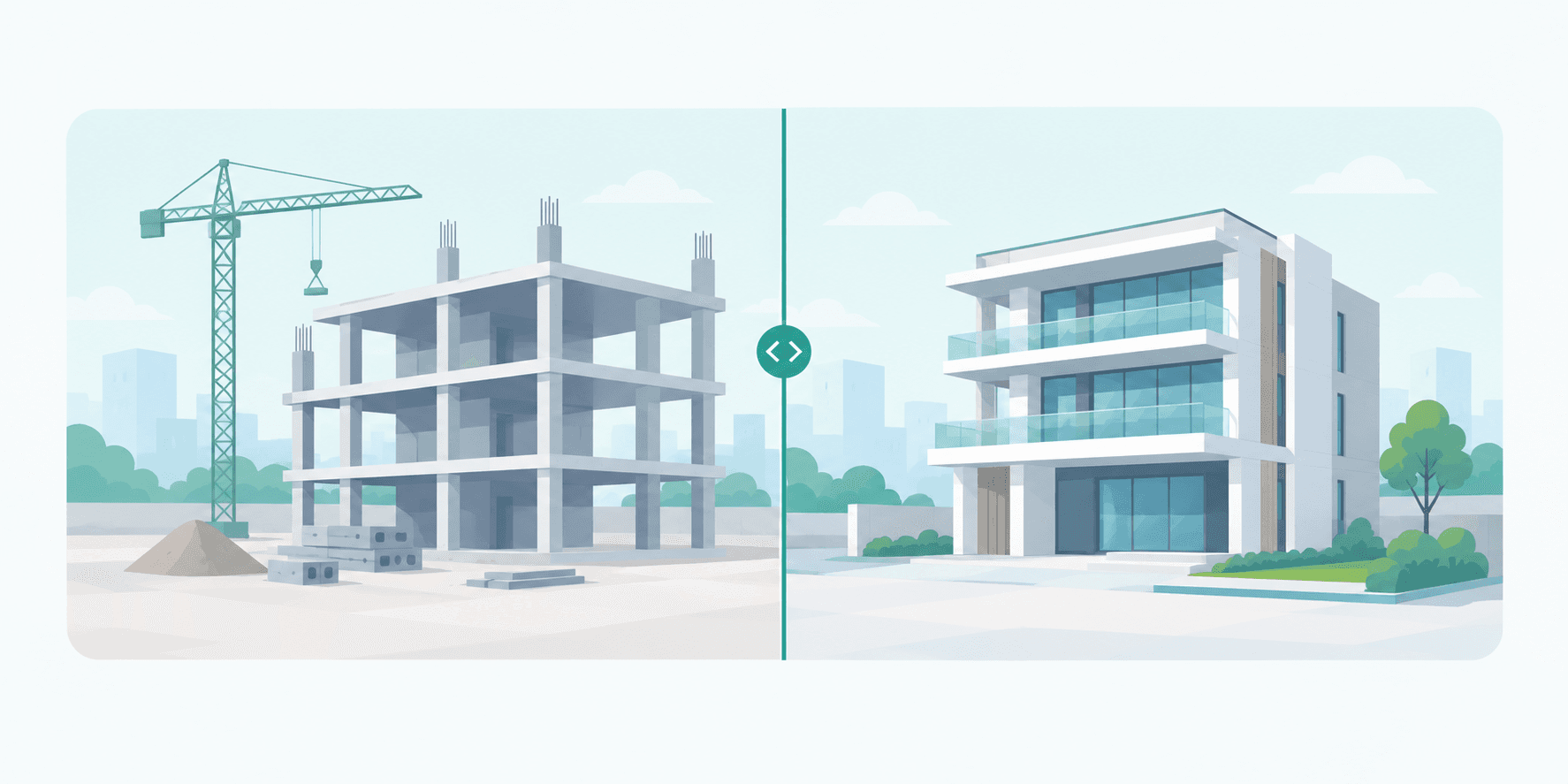
Re-shoot a viewpoint next visit and hold both dates side by side, wiped or faded, on one shared camera.
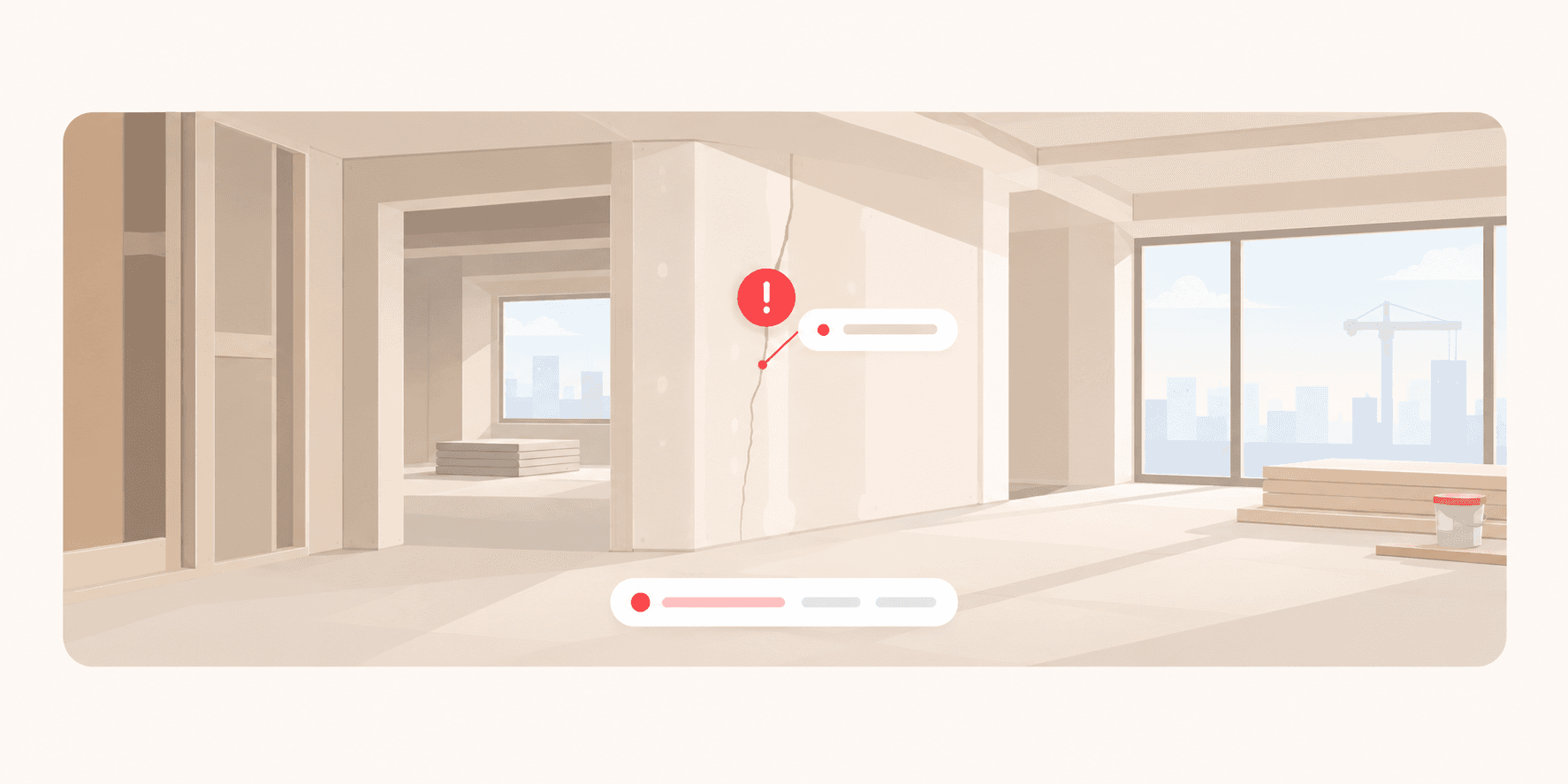
Pin a note at the exact yaw and pitch you spotted it. It keeps its building, floor and unit.
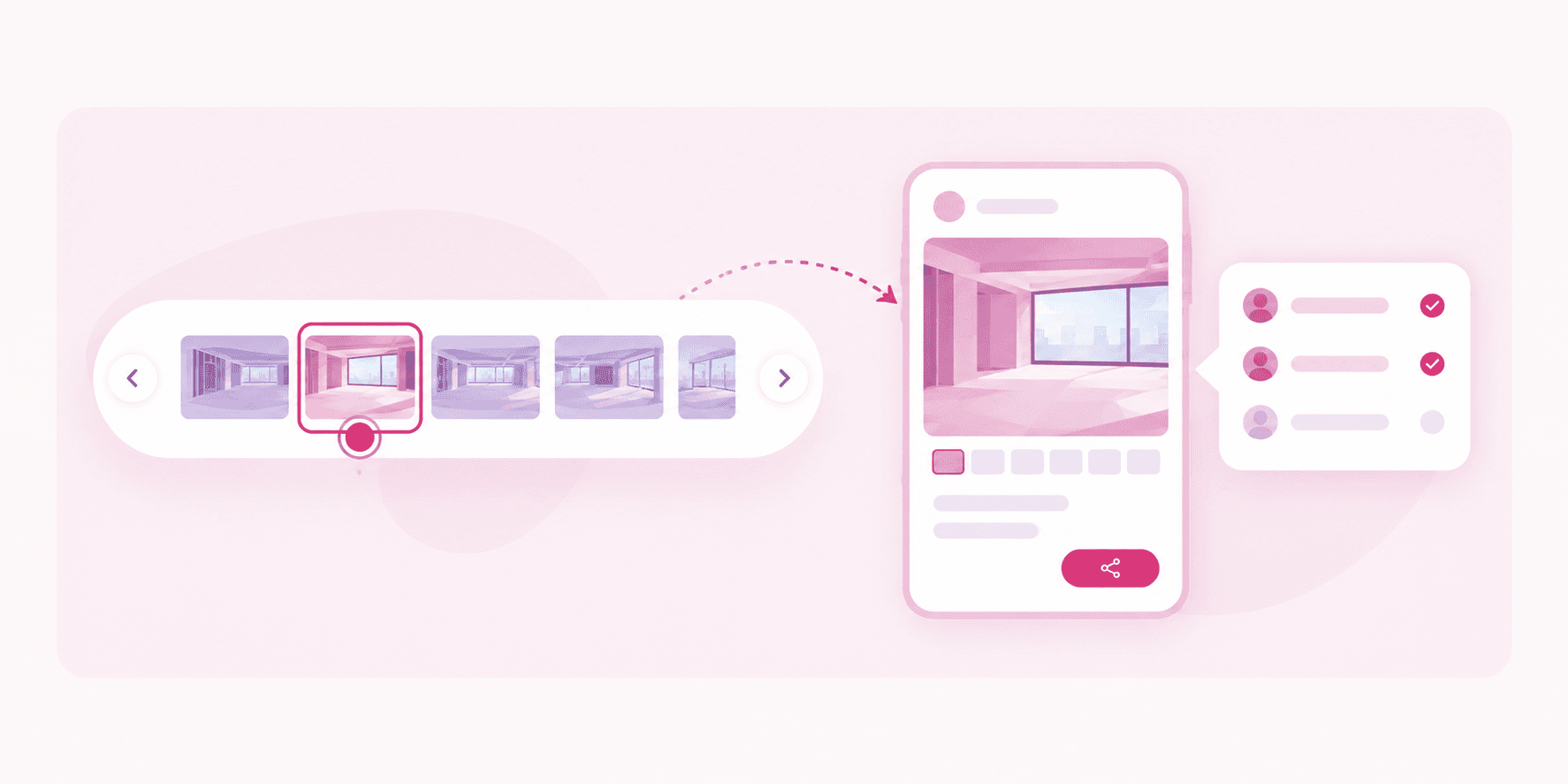
A link carries only the viewpoints you added to it. The rest of the project simply isn’t in there.
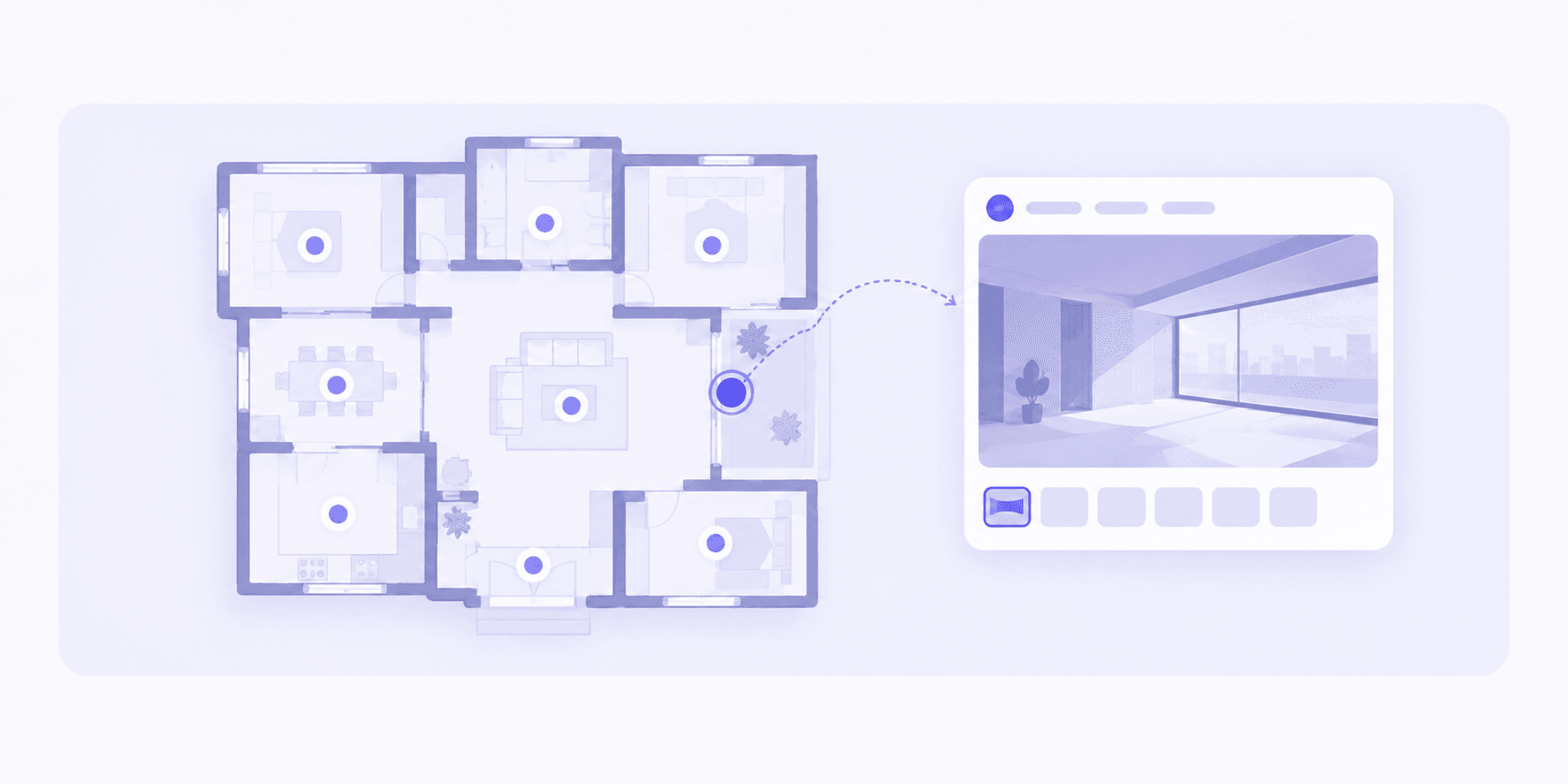
Trace a tower, a floor band or one flat on any drawing. Tap the outline and you’re inside it.

Visits, viewpoints and dwell time per link. Counts only — no IP addresses, no cross-site identifiers.
How it works
One pass with a 360° camera. Drag the whole folder in — validation, previews and tiling run in the background while you get on with the day.
Outline towers, floors and flats on the drawings you already have, wire the viewpoints together, and pin anything that needs attention. The structure survives every re-shoot.
Choose what a buyer should see, add your branding and your call to action, then share the link or embed it in your own site. They open it and start walking.
Who it’s for
Put a whole portfolio in front of someone who is three flights away. Every tour carries your branding, your call to action and an embed snippet for your own site — and the enquiry lands back in your workspace with the flat it came from attached.
Keep a dated, spatial record of the build as it happens. When a claim arrives eight months later, the answer is a viewpoint on a date — not a folder of eight hundred unlabelled photos nobody wants to open.
Create a workspace, drag in this morning’s 360° shoot, trace the plan you already have — and send a buyer the link the same afternoon.
No card required · Your projects stay private until you publish a link